 Dial
DialYour dayas a wheel.
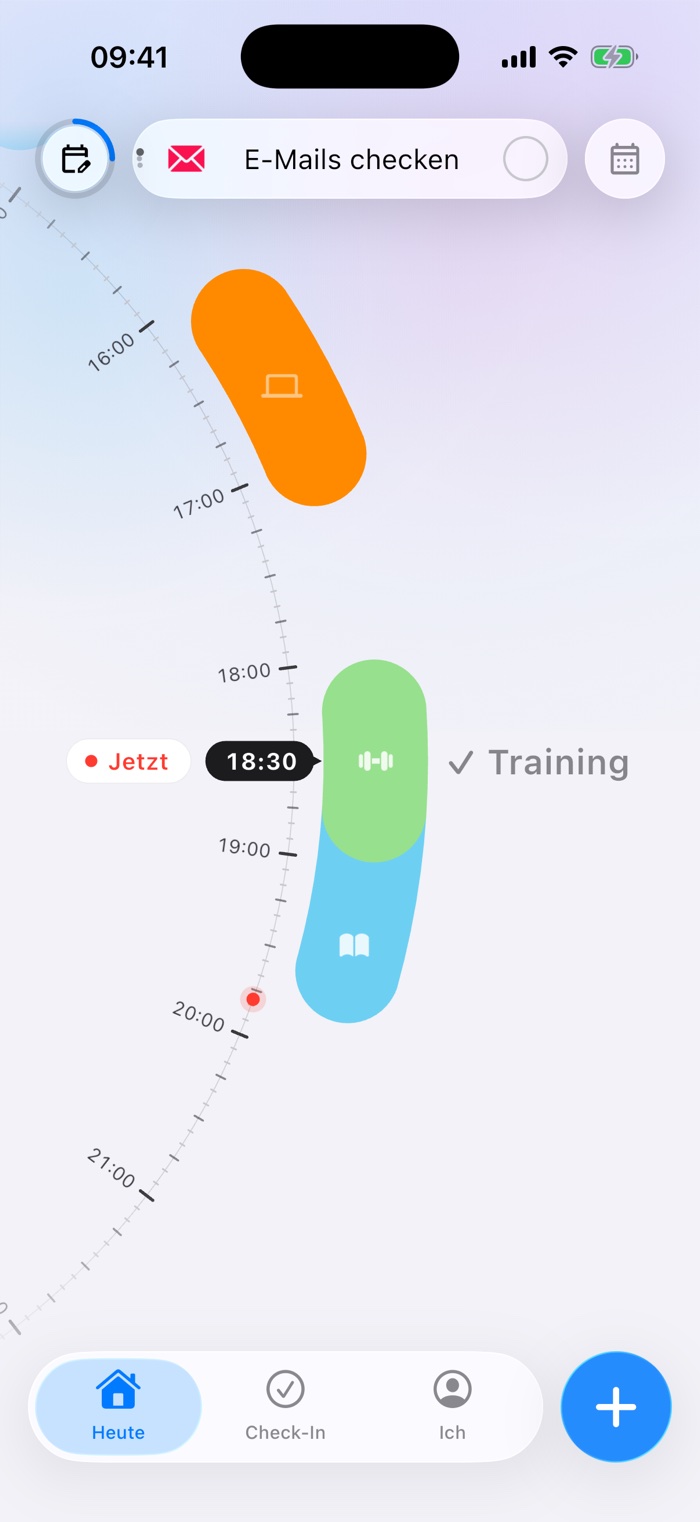
Dial shows your day as a wheel. Spin it with your finger and you see what's on right now, what comes next and where there's still room.
As easyas a spin.
Spin
Swipe over the wheel and see what's on now and what comes next.
Add
Tap + or drag a tile onto the day. Done.
Tick off
Your to-dos sit at the top. One tap and it's done.
This isDial.
Three screens from the app, exactly as you see them on your iPhone.
Consistency,made visible.
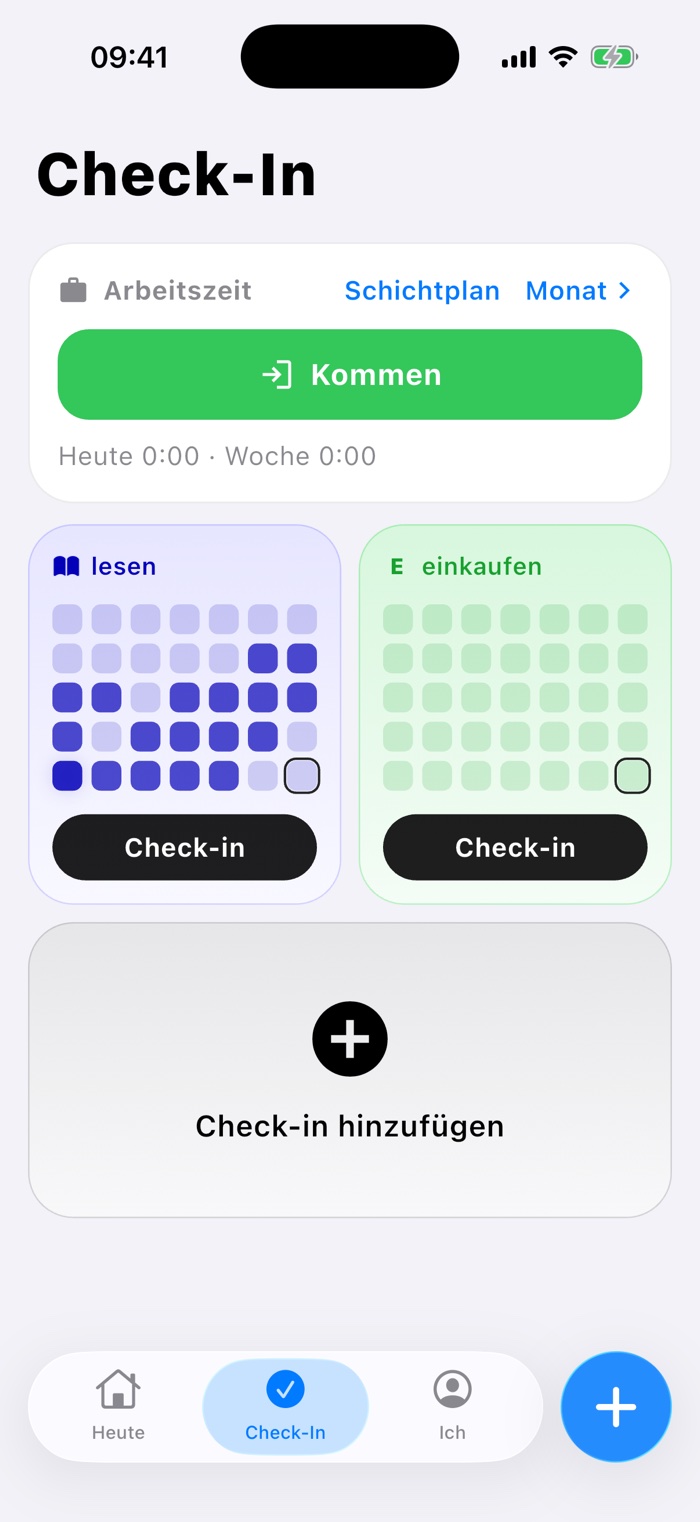
Tick off what you set out to do each day: reading, training, drinking water. Every habit collects its days in a grid, so you see at a glance whether you're keeping it up.
Your timetablefills itself in.
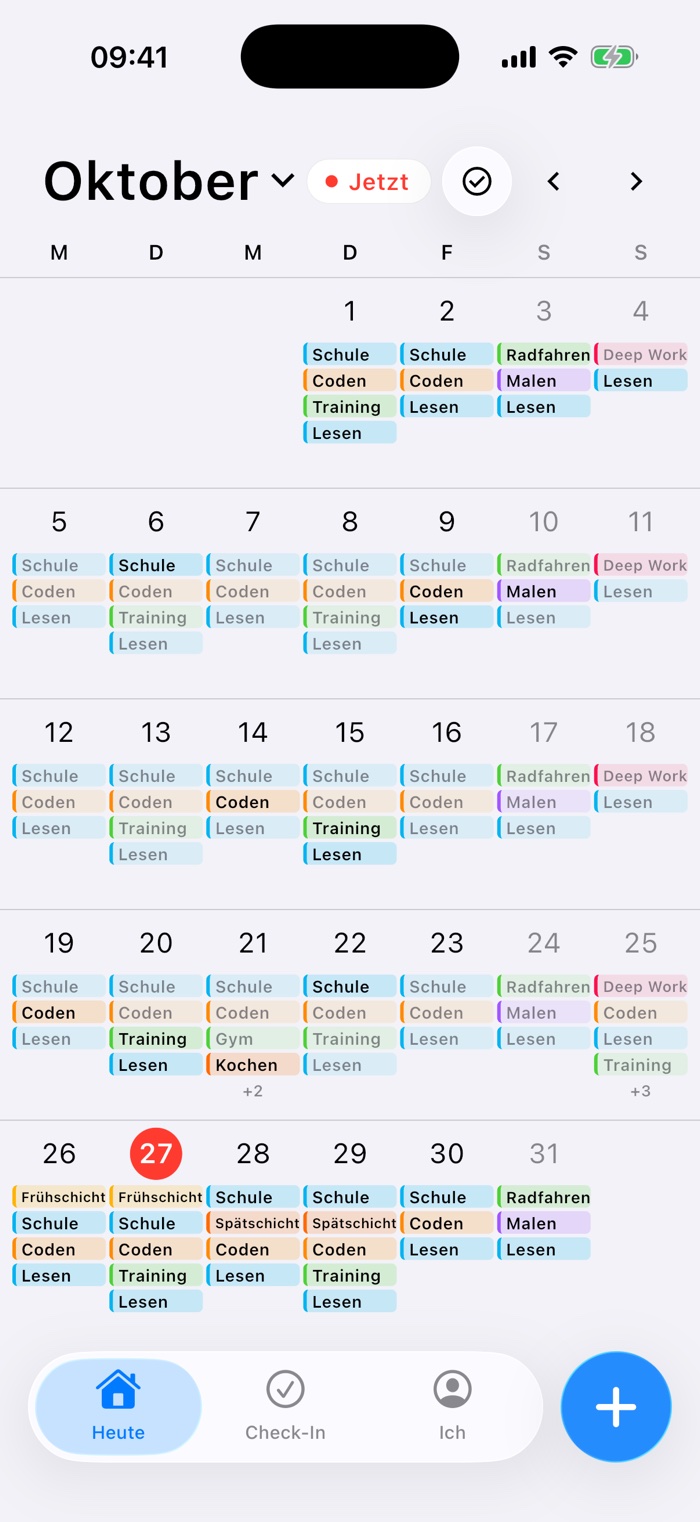
Connect your WebUntis timetable, your iPhone calendars, school holidays or your club's matches. They show up in light colour on the wheel and in the month, and your own plans still fit in between.
For work:clock in & shifts.
Clock in, pause and leave with one tap. Enter your shift plan once as a rhythm, for example two early, two late, two off. At the end of the month you see every day with its hours.
Spin your day see what's on now add things with one tap tick off to-dos and keep going
Spinyour day.
Free on the App Store. No account, no ads.